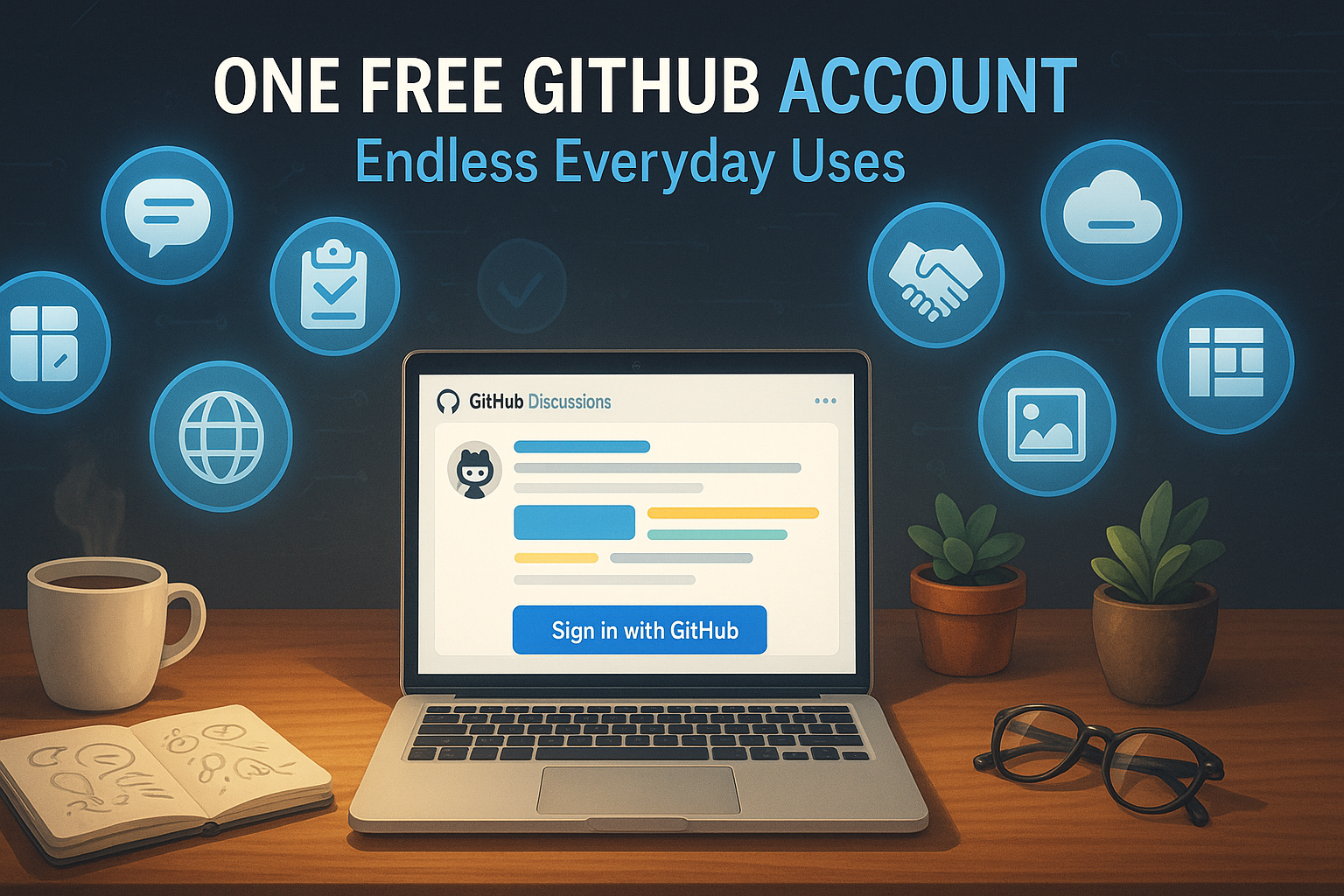
Why You Should Sign up For a Github Account
I opted to use Github Powered "Giscus" for the Comment System, learn why and how you can create a Github account.
The Short Version
I picked Giscus for comments because it relies on GitHub Discussions.
That means anyone who wants to join the conversation here only needs one free GitHub account, no extra logins, no privacy tracking comment widgets.
But GitHub is for programmers… right?
Not anymore. Below I share ten ways non-techies can get real value from a GitHub account, starting with leaving a comment on this very post.
The Longer Version
This domain, podcast, and website, didn’t exist a few weeks ago. I shared the origin story in Episode 2 of the Joe’s Digital Workshop Podcast.
Why would that matter? It matters because technology is much more approachable today. There is a coach, a teacher, a subject matter expert waiting eagerly to tirelessly assist you, that never gets bored or tired. You can’t even search on Google without it’s influence anymore. Why would you anyway? Some people just use Grok or ChatGPT in place of a search engine (that’s an article for another day!).
Since technology and coding even, are so much more approachable, we’re all able to “level up” and do things that in the past were simply not possible. As many of us are discovering, our agency over our technology is increasing. It’s empowering. It levels the playing field. If you need a little bump taking that leap, listen to Unlocking Creativity in Sierra Nevada!
So that is why I decided to use the obviously “less approachable” commenting system powered by Github, Giscus. I want everyone to learn to work with AI assisted coding, at their pace, and having a Github account is a good step towards that end goal. Below are the ten ways I promised to get real value from a Github account, even if you’re not a techie or a coder.
10 Everyday Reasons to Have a GitHub Account
- Comment on This Blog (and Any Giscus-Powered Site)
Signing in with GitHub lets you post questions, ideas, or feedback right below—all handled by Giscus discussions. - Collaborate on Projects with Issues & Discussions
Use Issues as a shared to-do list and Discussions as an online forum for planning events, group work, or hobbies. - Store & Share Documents
Save PDFs, images, or Word files in a repo for free cloud storage; write simple notes in Markdown (.md) files. - Publish a Free Website with GitHub Pages
Launch a personal site, portfolio, or event page—no coding required thanks to easy templates. - Explore and Contribute to Open-Source Communities
Fix typos, translate text, or add ideas to public projects that interest you—no programming needed. - Organize Tasks with Kanban-Style Project Boards
Drag cards between “To Do,” “Doing,” and “Done” columns—great for fund-raisers, classrooms, or marketing plans. - Learn New Skills with Free Resources
Search repositories for beginner-friendly tutorials on writing, design, budgeting, and more. - Showcase Your Work or Portfolio
Put writing samples, lesson plans, or photos in a public repo and add a README that introduces you. - Back Up Important Files (Private Repos Are Free)
Safely store personal journals, family recipes, or any files—accessible anywhere with version history. - Give Feedback on Apps and Tools You Use
Suggest features or report bugs directly in a project’s Issues—creators appreciate clear, non-code input.
Quick Tips for Getting Started
- Create an account: It’s free at github.com.
- Stay in the browser: Upload files, edit text, and open Issues without installing anything.
- Learn basic Markdown: Asterisks
*make bullets, double-stars**make bold—that’s most of what you need. - Search what interests you: Try “knitting patterns” or “event planning templates” in the search bar.
- Ask for help: GitHub Discussions and the Help Center are beginner-friendly—don’t be shy.
Ready to try it?
Scroll down, sign in with GitHub, and leave your first comment—then explore what else that new account can do for you.
Keep making, keep sharing, keep learning. ✨
💬 Comments & Discussion
Comments are powered by GitHub Discussions. You'll need a GitHub account to participate.